About this Site and Me

My photo
Flower Mound, TX, United States
Hi, I am an artist, wife, mom, gamer and the Elementary Art Educator at Donald Elementary, a sweet and wonderful school in Flower Mound, TX (outside of Dallas). This is a great place to see how we are integrating studio habits with technology and interdisciplinary connections. I also love to share my "wisdom" (Re: Experiences. From mistakes.) about teaching Elementary Art. I love what I do, and I've been doing it for a long time. Creating and teaching Art is what I live for. Enjoy.
Showing posts with label 1:X. Show all posts

Saturday, May 3, 2014

Books: deconstructed and altered and holy moley- these are amazing

ALTERED BOOKS
5th grade

Some kids prefer creating in the hall so they can spread out and focus.
OK peeps, I have done this altered book project with fifth graders for a few years now, and I was kicking around the idea of not doing it this year...but...WOW I am so glad we did.

The kids really blew us away. These sculptures are beautiful and meaningful. And finished in three class periods. What??


This school year has seen a few changes in our Art program:  1:X pilot program and a more student-led direction. This allowed me to step back and let the kids decide how they wanted to create their altered book.


I started off the same:  the kids and I talked about how the world is changing rapidly, especially with technology. We talked about the benefits and downsides to tech and non-tech. These kids are so insightful and globally aware. It was exciting to talk with them.

Close up ^.^


So. Which do you prefer: a traditional book or a device? 

I like both.
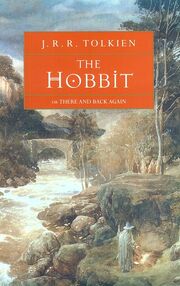

 I have a copy of "The Hobbit" from eighth grade that was literally falling apart until I begged my librarian to repair it. That book is precious to me (haha see what I did there?)
Hello, friend. 


 I also have both Nook and Kindle apps on my iPad. I love them as I can have an entire series in my hand for those boring waits at Dr. offices. Or middle school pick up. Or anytime I don't want to lug fifty pounds of books around.

This was a great, I mean great conversation to have with the kids. To hear their pros and cons was awesome. They talked about the affect on natural resources to the carbon footprint from a device to backpack weight to the breakage from dropping a device. They talked about how much they like to turn a paper page to liking the ability to highlight and define words on a device.

Then the conversation turned to conservation. What happens to damaged or outdated library books?


Did you know that public school library books cannot be donated or sold? That they have to be recycled?
Just ONE box of "discard" books, with some old piano books from my kids' closet.  Those are fun to work with!


That really irritated the kids. I think this gen is, among many other things, servant based. They don't like the idea of beloved books being tossed. They do not like garbage polluting the world. So we talked about up-cycling (wiki:Upcycling).

This year, my only direction was to allow this sculpture express how they FEEL about CHANGE:

  • How do you feel about the huge change of tech vs. non tech? Book vs. device?
  • OR, how do you feel about leaving elementary school and going to a new school?
  • OR, how do you feel about changing this particular book?
  • OR, how do you feel about changes in the environment?
  • OR, ?
I left it wide open. And they stepped up.

I put a bunch of supplies out for them:

Craft scissors, rubber cement, tissue paper and cellophane, scrap papers, ribbon and beads, yarn, hole punchers, wooden sticks, cardboard tubes. Anything that has been collected and sitting around, I grabbed and left them to create. 

This project took 3 class periods, beginning to end. Including assessment in their digital portfolio. I was really impressed by the books they chose and how they altered them.

Final assessment with iPads


The kids were so excited and focused. Even kids who struggled at first got their groove on. These Altered Books are sensitive and well-thought out artistic creations of kids stepping into their teenage years. I am so proud of them:

3D pop ups

mobile!

A duck pond!

Fire was a common theme...

Creature Feature

Another 3D pop up


Wednesday, February 5, 2014

iPads give our children with Autism a creative voice


One of the most awesome things I have noticed in my Art room is how the iPad has impacted our kids with autism.

If art is the first voice of communication, then these kiddoes have a VOICE. This tool has helped with sensory issues (No messy hands! No weird smells! Nothing to eat!), student engagement (they are super excited to create!) and successful, creative, individualistic works of art.


Ryan LOVES using logos from his favorite TV shows. He uses them to develop movie trailers using iMovie. They are really funny. 

(oh and that crayon thingy is a stylus, which all the kids love to use. These are not expensive and I was able to get a class set   ^.^  yay!)


Natalia draws in creative, exciting ways I have never seen her do before the iPad option. She loves using the art app Drawing Pad. She draws super fast and I think the digital component keeps up with her fast creative thought process...please do not disturb her when she is creating! 


Mikayla prefers Toontastic. She creates these amazing "sticker people".  There is a lot of storytelling here. We love the 2 girls whispering. And lots of food, food, food!

She also loves the ColorBox HD and DoodleDandy apps.

She also designs her own tee shirts. She usually comes to school with one of her drawing taped to her shirt. How awesome is this?


The kids use these apps during their free time, or to help demonstrate a concept. They have to try the actual assignment before the iPad is used, although I really don't have an issue with them creating digital art---as long as the concepts/techniques/vocab are the same.
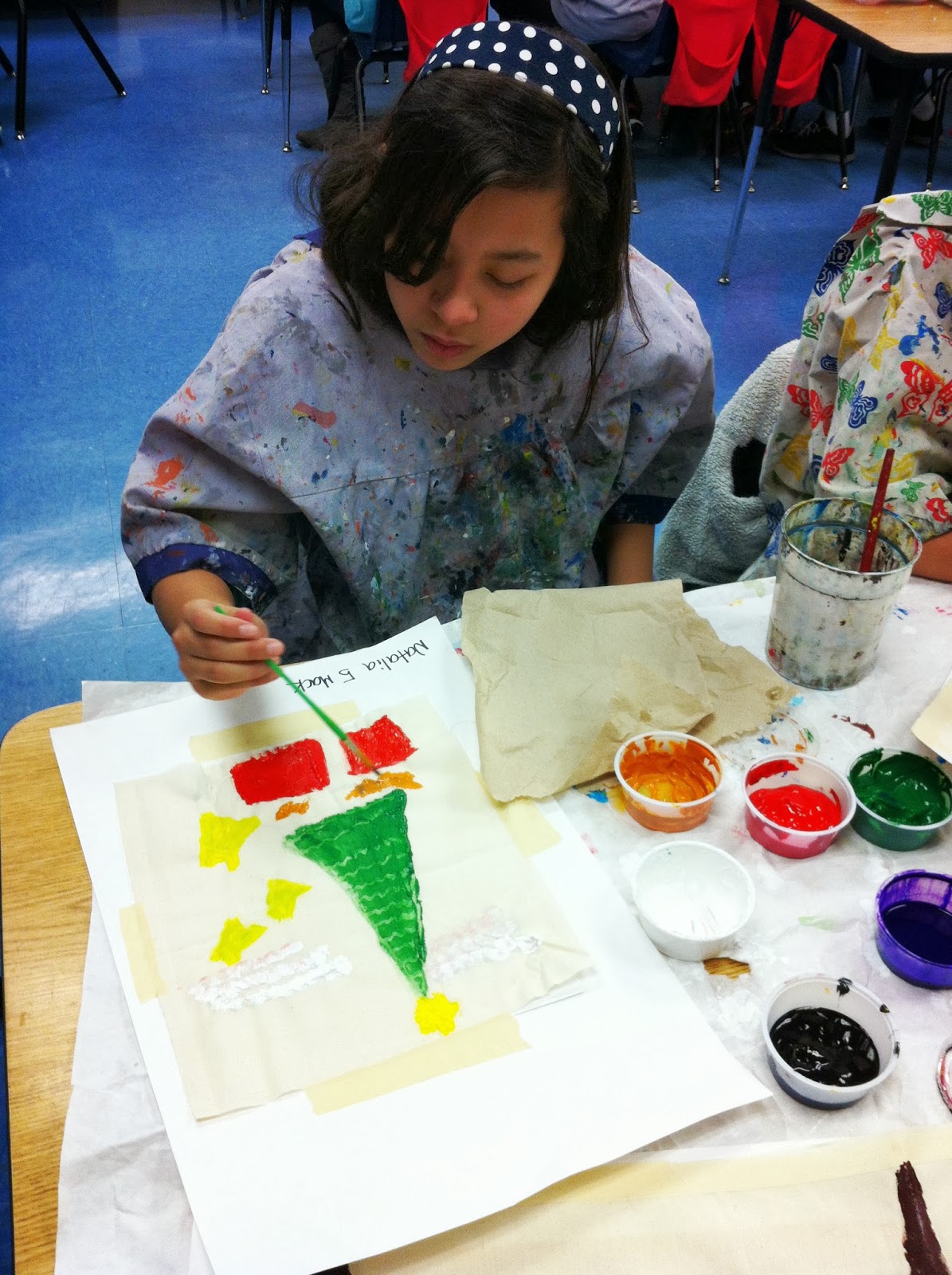
Natalia creating her Glue Batik...


Here the kids are using the iPads to take pictures of their Glue Batik. They also were "interviewed" by Mrs. Smith, their paraprofessional, about what they liked about the project.


The student engagement, the attention, the joy and excitement is beyond anything I have seen in the past!

Sunday, October 13, 2013

I wish I were back in college. A letter written in love to my Art Teacher friends.

This past Friday was a huge eye opener for me. I hosted an all day Art and Tech inservice for our district's art teachers. I fully expected 5 elementary art teachers to show up and we would play and paint on our devices.


Nope.

27 teachers, secondary and elementary filled my art room! I didn't have enough chairs, but what a great problem to have. I have thought about you guys all weekend long. (by the way, can I say how great it was to work with secondary teachers! Loved getting their perspective. We split up way too much, imo.)

Looking around, I saw looks of fear, nervousness, overwhelmed-ness (new word!), excitement and hope. Because now every school in our district has ipads in some way or another. And we need to use them. And here I am, (I am no expert, by the way, I am just loud) trying to guide and assist.

Thankfully, Alan Kohutek, Instructional Tech Specialist, came and talked to us for a few hours. He told them what helped keep me off the proverbial ledge last year: that this tech is just a tool. The iPad will be obsolete someday, the websites and apps we are using will be outdated, so our kids need to know basic art making skills. Like observational drawing, painting, printmaking, weaving, clay, etc. These devices are creation tools, how are we going to use them?

We gave suggestions for incorporating tech in the art room, awesome art apps (go here: ipads in the art room and FISD Techtators) and I pushed for Minecraft. Because if 98% of the kids play it, why can't we use it to teach art concepts? Why does it have to be "a waste of time"? Wouldn't it be amazing to teach architecture?

We talked about how to start, where to go from there, school based frustrations and successes. We talked and the flood gates opened.

I stood in front of my colleagues, master teachers who excel at their craft and awesome new teachers trying to get through their first years of teaching, and I fully realized the enormous amount of change occurring in Art Ed right now. With not a lot of help or guidance but with a whole lot of frustration and fear. Art teachers who are saying in one way or another: what I do in my art room is good. Why do I have to change? As I scanned the room, a bit overwhelmed, I saw a student teacher in the back, quietly taking it all in. And I thought, MAN I want to be back in college!

This girl has no idea. But check out those glasses.
Me and my mom, circa 92, yep;)


Nooo, not really, but at least there, we could sit with our peers and debate and discuss these changes. We would have knowledgeable professors (right?) leading our discussions.  We would all be reading the same literature, and we would have a safety net to fall back on. Once you are in the classroom, it's up to you to grow professionally or resist the change and deal with those consequences.
And this is scary.

And we are not alone. Reading through blogs (see here: rainbowskies and dragonflies and artroom 104) from Art Ed teachers across the country, it's the same thing. Change is here and it is big. East Coast Art teachers are grappling with yearlong assessments of student growth, incorporating STEM into STEAM (STEM hasn't made its' way to Texas that I am aware of?) and Common Core (not ever coming to Texas). We here in LISD are part of the High Performance Schools Consortium, and with that comes implementing 21st Century Learning. And a ton of technology.
And this is scary.

That was last year for me. Last year was rough. I spent most of it filled with self doubt about my role as a teacher. I questioned every routine, every lesson, every hallway display, every use of technology (Like: can I still do Power Point Presentations? Am I allowed? Or does it have to be a Google App presentation? Or a Prezi? Who can answer my question? Substitute whatever words you need. The Answer is below). I was in Full Freak Out Mode. I wanted to do cool stuff but couldn't for various reasons (some out of my control: like infrastructure issues! Some not.). I felt that I was a total failure as a teacher and had failed Art Ed. I had lots of anger and resentment. And I love technology! And I don't mind change, as long as it makes sense!
I considered leaving teaching, for...what...I have no idea...(ok, full disclosure, I considered for exactly 7 minutes. Where would I go?). I was bummed and stressed and had these awful headaches.

Then summer came and I rested.

I read some books about changes in Art Ed and realized HEY! I am kinda already doing that! Yay for me! I played with art apps on my iPad. I chilled.

To my friends: The chilling helped. By taking a step back, I realized a few truths I had quite forgotten or overlooked in my panic (yes, panic. I was having panic attacks you guys. Panic. Attacks.).

Repeat after me:
  • I am an artist who teaches. 
  • I believe in the importance of Art Ed.
  • I am smart and capable. I can do this.
  • We are all on the same technology journey. It is not a race.
  • I am already doing 21st Century Teaching in my room, and I need to promote and model what I am doing.
  • I need to let kids make more choices and stop telling them what to do every step of the way.
  • The iPad is a tool like a paintbrush is a tool.
  • I will no longer allow other people's negativity, ignorance and/or stubbornness to get in the way of my awesome teaching.  
  • I will take my time with these changes and remember the students come first.
  • The answer to my "freaking out question" above (backed up by the LISD Tech Dept): When it comes to using tech, use what you like. THERE IS NO MAGIC APP OR WEBSITE that is perfect for everyone. If you love Animoto or Educreations or iMovie, great. If you like Schoolweb, use it. If you want a Google Site, do that. If you use Weebly, great. If you don't want to blog, you don't have to. But don't expect a one-fit-for all answer. You are a professional and you have options (but hey, ahhhhh, read the Terms of Service first. Just saying.). 
.....I am no expert. I am just loud.

*hugs*


Tuesday, September 10, 2013

Minecraft in the Art Room. Creepers gotta creep!

In case you didn't know, I am a gamer. I have been since video games were invented. I play a lot of games, from Scrabble to World of Warcraft. I believe there are strong benefits to gaming, and I am seeking awesome games to bring into the Art Room. (For more information about the benefits of gaming and how gaming can change the world, check out Jane McGonigal)

************************************************************************

With the kids bringing their iPads to Art, I made some necessary additions to my Free Choice Centers (what the kids choose to do when they finish their project). Adding to origami, stamping, weaving, free draw, and assorted games/puzzles, we now can use the iPad as a Center!
No, they didn't rush through their work to get here :)


Some guidelines:

  • Art Apps only
  • 3 Questions (these are posted and repeated):
    • Are you being creative?
    • Are you thinking like and artist?
    • Is it appropriate?

I explained the 3 Questions to the kids.Here is how the conversation went:

Me: Is Candy Crush allowed?
Kids: Noooo.
Me: Plants vs Zombies?
Kids: NO!
Me: Minecraft?
Kids: No. Wait. Yes? YES!?

So why would I let the kids play Minecraft? Why wouldn't I!

First of all, it is a highly creative and (don't tell) educational game. Talk about STEAM. (ah, that is STEM with a healthy dose of ART). Second, many kids play, it is highly engaging and super fun.  Try this: ask a couple of classes how many kids play and note how many hands shoot up.

Ok, here are my Minecraft guidelines:

  • Creative mode only. There are no creepers in creative mode!
  • Students must be thinking and acting as an artist at all times.
  • Students understand they will not be playing every time they come to art, or even when they have Centers. They will draw, weave, etc. We are seeking balance!
  • If these privileges are abused in any way, this goes bye-bye.
Our kids LOVE Minecraft. Why not meet them halfway?


Fuzzy questions: 
  • what about other games like Minecraft? 
  • What about other creative games?
 This is where the 3 Questions have to be answered. If a kid is "making" goods for the sheer purpose of "selling" them, I don't see the creativity and artistry in that at all.

Teachers and Parents, if you really want to explore gaming, have your kids show you Minecraft. I promise you will at least you will have fun with your kids!


Sunday, September 8, 2013

Way Cool Apps for iPads and how we are using them. I think.

I spent a LOT of time last year playing with the iPad and researching Art Apps to prepare for this year. I feel pretty good about where we are heading. 

Here are my driving questions: 

-How can we get our stuff OFF the iPad? This is a HUGE ISSUE for those of you sharing!
-How can we use this tech meaningfully without replacing traditional art materials? There HAS to be balance!

 So with this in mind, I thought I would share a portion of the informational sheet I sent home to our parents (my apologies for any overlap!):

*******************************************************************


Me: There is an App for building clay pots*
Your kids: Cool!
Me: Ok, we are going to do a clay project. Everyone take out your iPads.
Your kids: *crickets*
Me: Ok, now what if I said, here is a lump of clay, go make something?
Your kids: *cheers!*
Me: So, how could we use this clay making app to help us?
Your kids: we could use the app to help us with our design before we made it out of clay!
Me: Bingo!

We will use the apps to help us make our art better and stronger. Technology is a tool, not a replacement. We will continue to create with messy hands.

It is the nature of art to be messy, subjective and hard to define. That being said, here are my underlying 3 Questions** for using technology in my room:

Are you being creative?
Are you thinking as an artist?
Is this appropriate?

What is appropriate for one family may not be appropriate for another. Parents, the time for honest conversations is now.

These sticky, fuzzy issues are issues artists and art teachers have been dealing with for centuries. The only thing that has changed is the type of technology.
(Did you know that when Gutenberg invented movable type and the printing press in the 1440’s, it “led many superstitious people of the time to equate printing with Satan because it seemed to be magical.”? The Unsung Heroes, a History of Print, Dr. Jerry Waite, 2001.  And now we can’t imagine a world without printers! Not an Art reference, per se, but pretty interesting! )

I am committed to integrating tech with traditional art making in a meaningful way. I spent last year attending conventions learning how to effectively use iPads in the art rooms, talked to art teachers across the country for their experience, perspective and “must have apps” and did a ton of app research over the summer...


****************************************************************************
*(Yep. check out Let's Create Pottery)
** (I made this into a poster for my kids. So I can point at it a hundred times a day)


Here is my "fluid"  list of apps my kids need to download:

(I have no idea why these images are all over the place!? And I have a migraine so I amnotinthemoodtofixthem. Sorry ^.^)


Google Drive (my district is using Google Apps for Education in an effort to get more efficient and hopefully go paperless)


Snapseed (free): The Bomb Diggity for me. A photo editing app for images, allows saving directly to Goggle Drive. (So you can make a work of art on another app, save it to the Camera Roll, and then save it to Drive using Snapseed.)
Inspire Pro (free or paid): for painting 
    Sketchbook Express (free or paid): for drawing
Pic Collage (free): Classroom teachers LOVE this app, it is great for many, many things. Want some faculty-wide Brownie Points? Intro it as a way to make lock/home screen collages.
Doodle Dandy (free) Fun app about radial symmetry.
Drawing Pad (paid): optional paid app, but the best I have found for younger kids. Easy to understand and navigate.
Procreate (paid): optional, and the best on the market right now. I recommend this for my older students who plan to take Art in Middle School and High School.
ArtRage (paid): optional, similar to Procreate

Saturday, May 25, 2013

1:X-- those of us in the trenches, transforming education, one tear and chuckle at a time

In case you didn't know:

Next school year, Donald ES will be a 1:X campus. Which means every child, kinder-5th will have an iPad and/or access to various technologies. This iPad will travel with them as they grow. Can you imagine? How cool?

Transformation isn't just happening. It is here.
See guys? We have to teach THIS. 

Every child, coming to us already fluent in the language of smart phones and tablets, social media and gaming. Masters at technology and expecting to use it in the classroom. How do teachers even begin to prepare to teach these kids?

It starts here:

2 intensive days. One day at Wooten's (our amazing principal) house. Good thing she has good wifi! and 2 cute dogs...

9 teachers, 2-3 administrators. 

Subs in our rooms 9 days before the end of school. ...can I just say, those poor subs...

Lots of pizza, cookies, tears, laughter, mini therapy sessions. Gut checks, reality checks. Checking email, eating cookies, brain explosions. Rinse and repeat.

And 2 leaders charged with attempting to keep us on task. And they did an AMAZING job. (I have to give a shout out to Michelle Wooten and Alan Kohutek for planning and providing this outstanding opportunity. Holy cow people, if you only knew!)

our task:

Identify ways to facilitate this transformation from traditional educational norms into the new 21st Century expectations, with Purpose, Mastery and Self Direction at the forefront. What is this "ipads in the hands of kids all day long" going to look like? What does it look like already? That was one task, anyway. I am still reeling.

Does that sound boring? Eyeball rolling?  NO. WAY.

This was BY FAR the most exciting, soul feeding, mind blowing professional development (if we can call it that? Team building? I honestly have no idea...but I want MORE.) I have ever ever ever been a part of (pardon my poor grammar but I am PUMPED)!! PUMPED.

To our Donald Community, all I can say, AMAZING THINGS ARE HAPPENING AT OUR SCHOOL. I literally tear up when I think about the direction we are heading. I love my job. I love this staff.  I love this school. And these kids! Holy cow! I am so excited for them.

And yes, gaming was discussed. Can games like Minecraft Edu really be used effectively in education? For real? No really-with rich content and mastery of essential knowledge? What about other games? How? How how how how?

Parents, Teachers=baby steps
 Kids=ready.
 I am ON IT. BRING IT.

It is going to be a great summer working with this amazing staff. I can't wait for next year..and this one is not even over!

(and yes, iPads will be meaningfully integrated into my Art program, without losing the focus on strong studio skills. 21st Century skills ARE THE ARTS: Creativity, Critical Thinking, Problem Solving, along with Purpose, Personal Satisfaction, Collaboration, Self Direction, Mastery...seriously, it's the Arts. It's time to fully embrace that. We are not stepping backward.)

Hello. My name is Kimberly. ...and Kim Mack has the floor. ;)